tickbit vs Clockify
The Clockify alternative that knows your costs are in rupees.
Clockify is an affordable, flexible time tracker with a generous free plan. tickbit is built for Indian teams who bill abroad: it turns salaries into costs, invoices with GST export details, and runs attendance and Indian payroll in the same app.
Clockify details are from Clockify’s own public pages, checked on 1 November 2026. Sources are listed at the end of this page.
Choose tickbit if
- You want margins from real salaries and overheads, not cost rates typed in by hand
- You need GST export invoices, LUT, SAC and Tally export
- You want Indian payroll with PF, ESI, PT and TDS next to attendance
- You want hiring and e-signed offer letters in the same app
Clockify may suit you better if
- You only need time tracking and want a free plan for up to 5 people
- You need GPS tracking, a kiosk or shift scheduling
- Your team wants native mobile apps
What it costs.
Clockify has a free plan and four paid plans priced per seat in US dollars, with no usage fees. Invoicing, approvals and time off start on Standard. Labor cost and profit, multiple currencies, expenses and screenshots are on Pro.
| Plan | Per person a month, billed yearly | 10 people for a year |
|---|---|---|
| tickbit Core | ₹99 | ₹11,880 |
| tickbit Complete | ₹159 | ₹19,080 |
| Clockify Basic$4.99 monthly | $3.99 | $478.80about ₹45,486 |
| Clockify Standard$6.99 monthly | $5.49 | $658.80about ₹62,586 |
| Clockify Pro$9.99 monthly | $7.99 | $958.80about ₹91,086 |
| Clockify Enterprise$14.99 monthly | $11.99 | $1,438.80about ₹1,36,686 |
Like for like: Labor cost and profit, multiple currencies and expenses, which tickbit includes in Core, are on Clockify’s Pro plan. For 10 people that’s ₹11,880 a year on tickbit Core, against $958.80 (about ₹91,086) on Clockify Pro.
tickbit prices exclude GST. Dollar amounts converted at about ₹95 to the US dollar and rounded. Monthly billing costs more on every product.
Feature by feature.
Time and invoicing
Profit
Team and HR
Apps and pricing
A dash means partly, or only on some plans. Plan names show where a feature starts.
Where the difference shows up.
Costs that come from payroll, not guesses
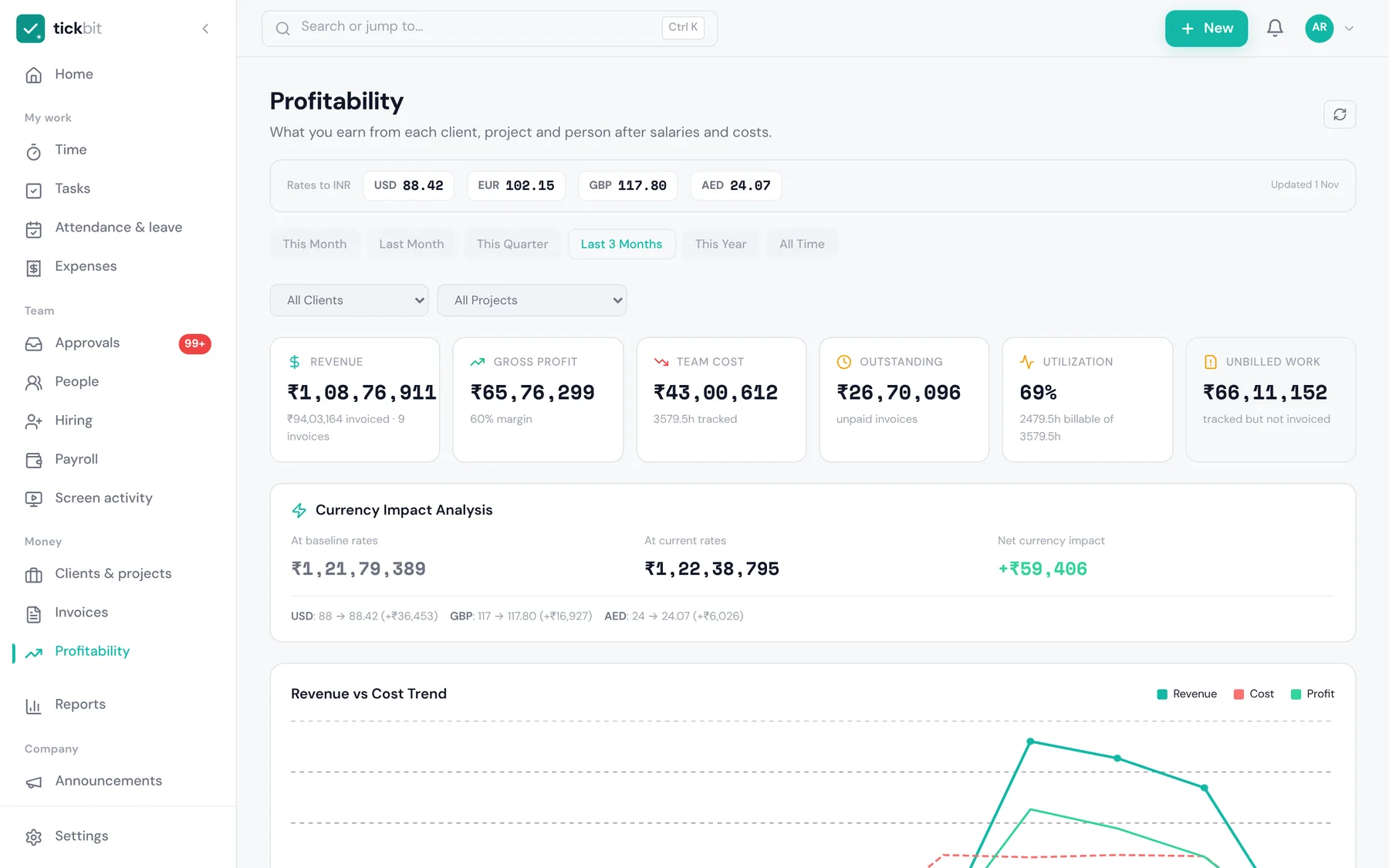
In Clockify you set a labor cost rate per person or project. In tickbit you enter salaries and monthly overheads once; tickbit works out each person’s hourly cost for every month and keeps salaries encrypted and owner-only. Profit then reflects what your team really costs.
Built around Indian billing
Foreign-currency invoices carry the zero-rated GST declaration, LUT, SAC and GSTIN automatically, and export to Tally. Revenue is converted at the rate saved on each invoice, so your rupee numbers don’t move later.
Attendance that feeds payroll
Both tools track time off. tickbit goes further for Indian offices: check-in with a webcam photo and office-network rules, leave and holidays, then payroll with PF, ESI, professional tax and TDS, payslips and a bank transfer file.
Where Clockify is the better fit
If you need only time tracking for a small team, Clockify’s free plan is more generous. It also has GPS tracking, a kiosk, scheduling and mobile apps, which tickbit doesn’t.
Switching from Clockify, step by step.
- 1
Sign up free
Create your company and verify your email. Every Complete feature is on for 14 days, no card needed.
- 2
Import from Clockify
Connect your Clockify account. tickbit brings over people, clients, projects and time entries, and you can run it again to pick up changes.
- 3
Add costs and invite your team
Enter salaries and overheads to see real margins, then invite your team to track time in tickbit from day one.
tickbit vs Clockify: questions.
Sources
Clockify plans and prices change. Check their site for the latest. Checked on 1 November 2026.
Other comparisons
Switch from Clockify this week.
Start free, import from Clockify, and see your real margins before your next invoice goes out.